Protect Your Investment: Cutting Profiles for SRAM Red D1 and E1 Crank Arm Protectors

If you own a set of SRAM Red D1 or E1 generation crank arms, you know they are both beautiful and a significant investment. Over time, road grit, chain drops, and accidental scrapes can leave them looking pretty beat up—something I’ve learned the hard way with my older sets!

To combat this wear and tear and keep your high-end components looking pristine, I decided to develop a simple, effective solution: a custom-cutting profile for transparent adhesive protection film.

Protect it before it’s too late …

The Quick DIY Protection Solution

The process was surprisingly fast and yielded great results. Here’s what I did:

  1. Design the Profile: I defined a simple profile shape designed to cover the main surfaces of the crank arm.
  2. Print to Scale: Using my trusty little Epson inkjet printer, I printed the profile to the exact scale required for my crank arms.
  3. Transfer and Cut: I carefully transferred the printed profile onto a sheet of transparent adhesive film (the kind used for bike frame protection).
  4. Application: After cutting out the shape, I applied the transparent protector to the crank arm.
The result is a quick, aesthetic, and barely noticeable layer of protection that keeps the carbon safe and sound.

172.5 protector profil

Confirmed Base Length

The profile provided is defined and verified for a base crank arm length of 172.5mm. If you have a different length, you may need to scale the profile slightly, but the core geometry should remain correct.

Download the Cutting File

The cutting profile file is available for download here:

A Note on Gravel Use

For those of you who frequently venture off-road or ride gravel, you might want to consider adding a little more material, especially around the crank arm edges/flanks. Gravel riding exposes the cranks to more direct hits from loose debris. Feel free to use my base design and adapt it for a thicker, more comprehensive wrap!

SRAM Red E1 with protector installed

Creating a Bicycle User Manual: A Step-by-Step Guide

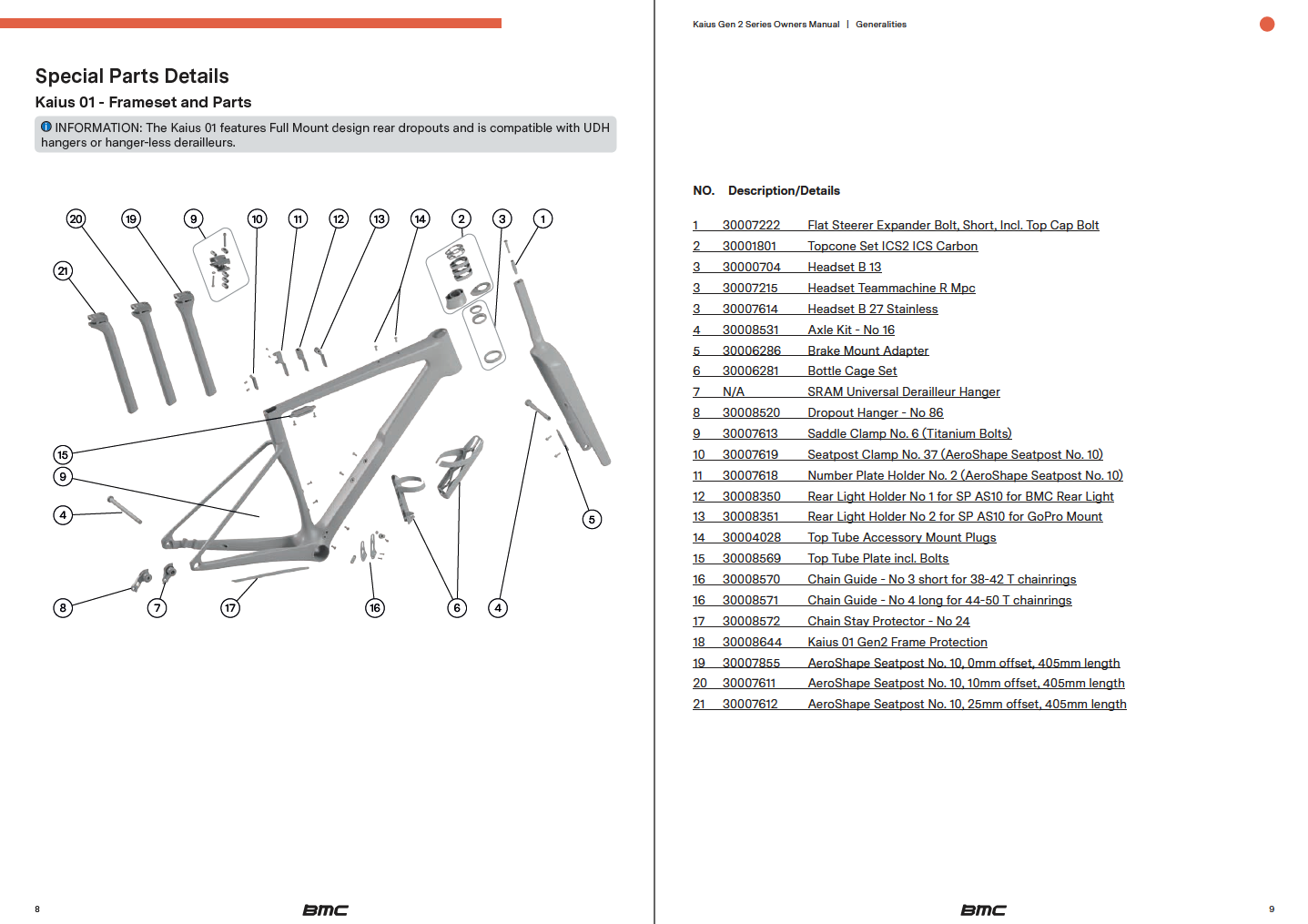
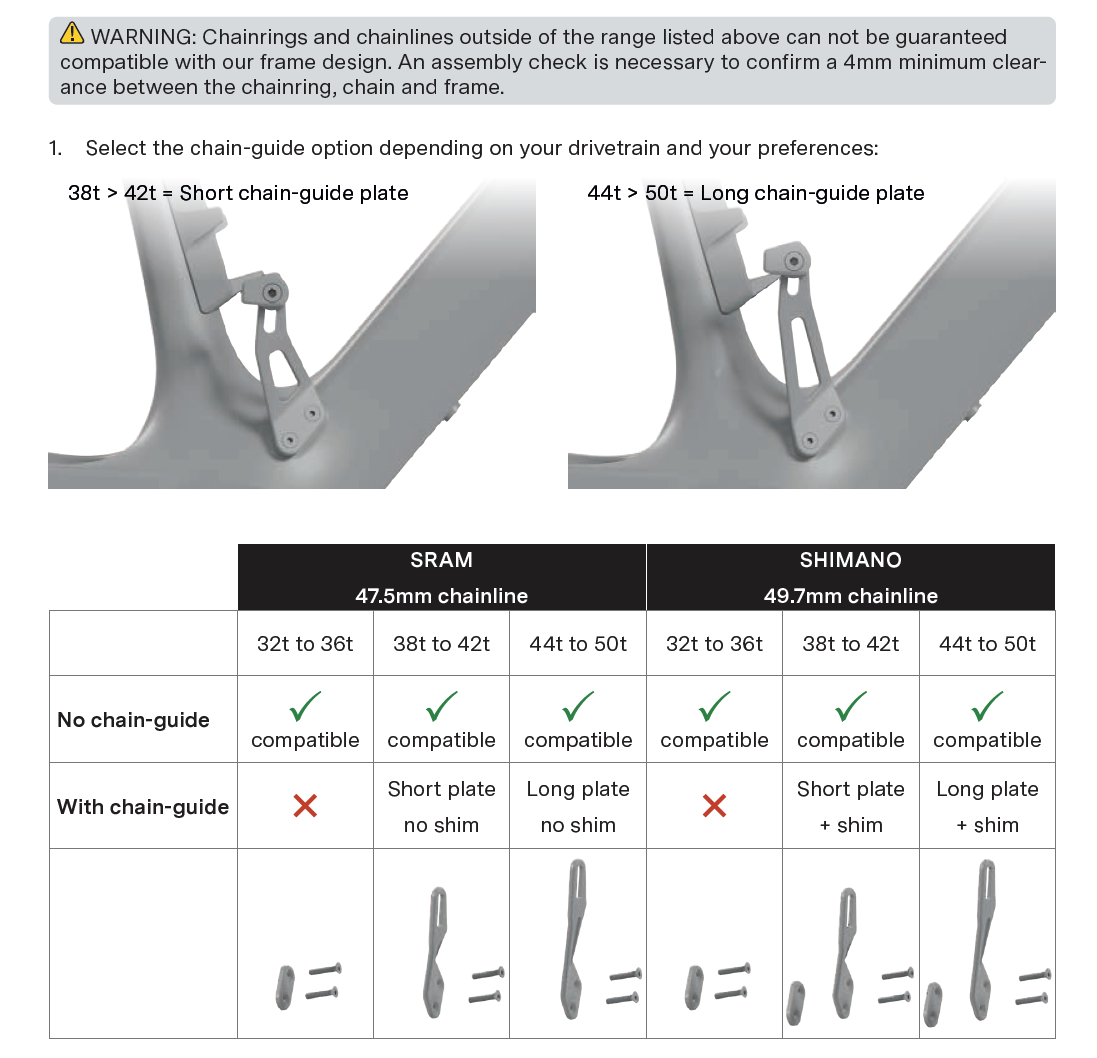
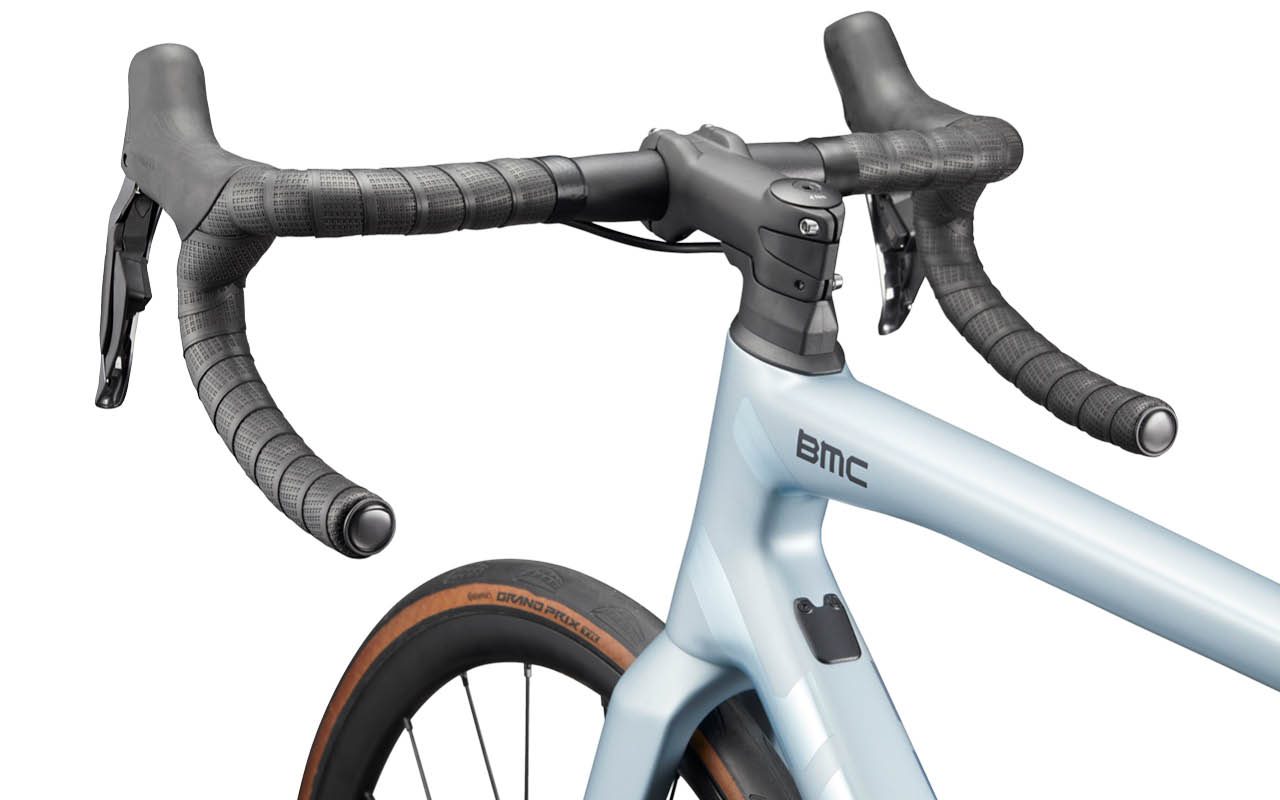
Creating a user manual might seem like a daunting task, but with the right approach, it becomes a straightforward and essential part of product development. A good user manual serves as a comprehensive guide for Riders and Retailers, ensuring they can easily understand and use your product while minimizing the need for Customer Service support. In this article, I’ll walk you through the steps involved in creating a user manual, using the some of the latest BMC frame specific manuals as an example to illustrate key points.

Step 1: Understand the Product information ecosystem and Audience

The brand’s website, its product details, and the general bicycle owner’s manual are two of the most important sources of information available. They already compile answers to address the rider’s needs.
The website covers user benefits and model specifications, while the general bicycle owner’s manual covers legal obligations.
We do not want to repeat the content of these two sources in our detailed technical manual unless they provide additional technical insights that address the rider’s needs.

A technical manual is essential because it provides clear, detailed instructions on how to use, maintain, and troubleshoot a product, ensuring users can operate it safely and efficiently. It helps prevent misuse, reduces customer support needs, and improves the overall user experience. By offering step-by-step guidance, a technical manual empowers users to get the most out of the product, ultimately increasing satisfaction and reducing the likelihood of mistakes or damage.

Before you even start writing your manual, it’s crucial to understand the product inside and out. A deep understanding of the product helps you highlight important features, clarify common issues, and provide the correct instructions.
So grab your toolbox and start exploring all the details of your product. Your experience will ultimately make the difference.

Step 2: Outline the Structure

A user manual typically follows a specific structure to ensure that users can find the information they need quickly.
The approach I’ve chosen is to follow the assembly steps. This ensures a logical flow in every step and mostly prevents missing steps when assembling complexly designed products.

  1. Cover Page
    • Product name and model, Brand logo. Don’t make it to laud or complexe. This document should be timeless and always be inline with your Brand’s corporate identity.
  2. Table of Contents
    • Clearly list all sections of the manual, making it easy for users to navigate. When exported as a pdf or webpage, the table of content will help you to quickly jump to a section with a click on the chapter.
  3. Introduction and Technical Specifications
    • A brief overview of the product, Intended use and target audience, Safety precautions or warnings. Repeating some of the key safety elements is useful. In some case, it’s exeptionaly repeating content already published on the website or General owner’s manual.
  4. Assembly Instructions
    • Step-by-step instructions on how to assemble the product. Includes as many visual aids (diagrams, images).
      This includes adjusting settings, operating the product, and maintenance tasks.
  5. Maintenance & Troubleshooting
    • Regular care tips and instructions on how to maintain the product.
    • Common issues and solutions (e.g., how to clean the bicycle, adjust brakes, etc.).
  6. Warranty and Support
    • Provide warranty details and instructions for obtaining customer support if issues arise.

Step 3: Write Clear and Concise Instructions

One of the most important aspects of a user manual is clarity. Instructions should be simple and direct, especially when dealing with complex products.

For example, in most manuals I’ve created, the instructions are laid out step-by-step with images and diagrams that accompany the text. This makes the manual easy to follow and ensures that users don’t miss any crucial steps during assembly or setup.

Text is not ideal. It must be written in a chosen language, which can make it difficult to access if not translated into local languages. Try to stick to the point and minimize it. The ultimate goal is to create a mostly visual manual, similar to LEGO or IKEA instructions. However, this is particularly challenging for a bike manual.

This is even more true when highlighting critical notes. Warnings and information blocks must be clearly identified to warn riders about key details.

Avoid jargon unless necessary, and if you need to use technical terms, make sure to define them. The goal is to make the manual as user-friendly as possible, regardless of the reader’s technical background.

Step 4: Use Visuals to Support the Text

Visuals can make or break a user manual. Diagrams, images, and screenshots are invaluable for clarifying complex instructions.

Use high-quality images that are easy to interpret. You may also want to include icons or symbols to represent warnings, tips, and other critical notes, making it easier for users to spot important information at a glance.

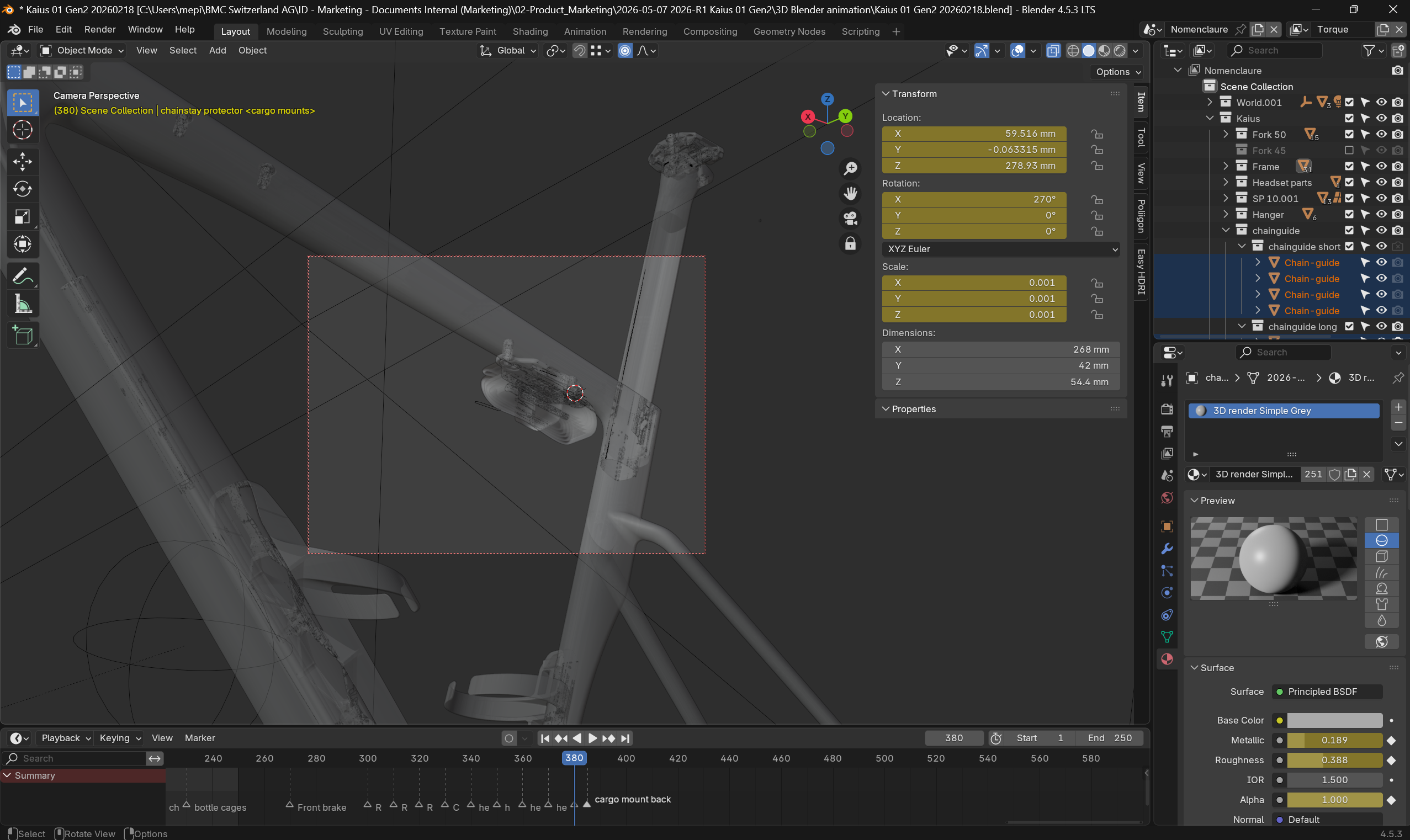
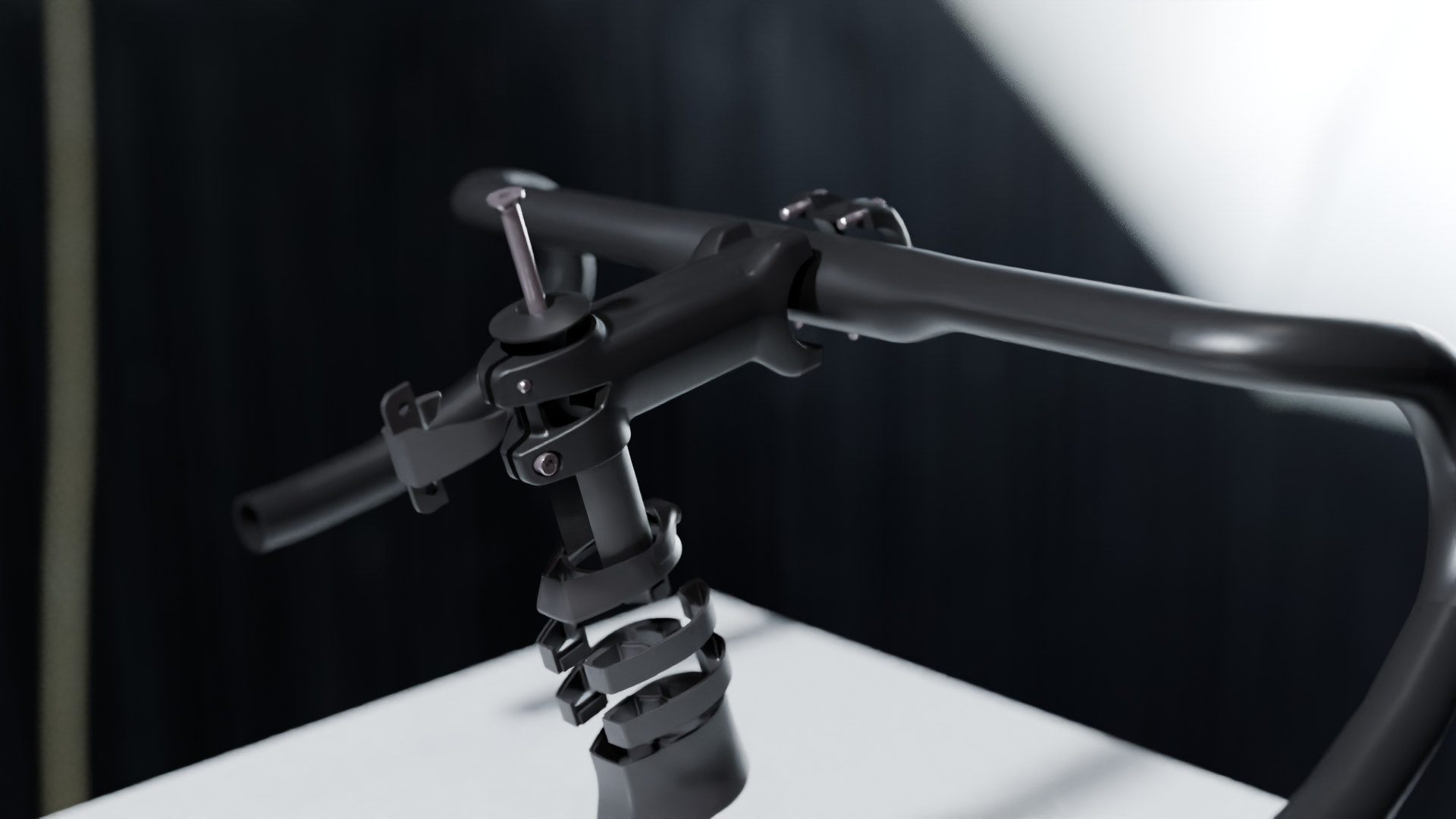
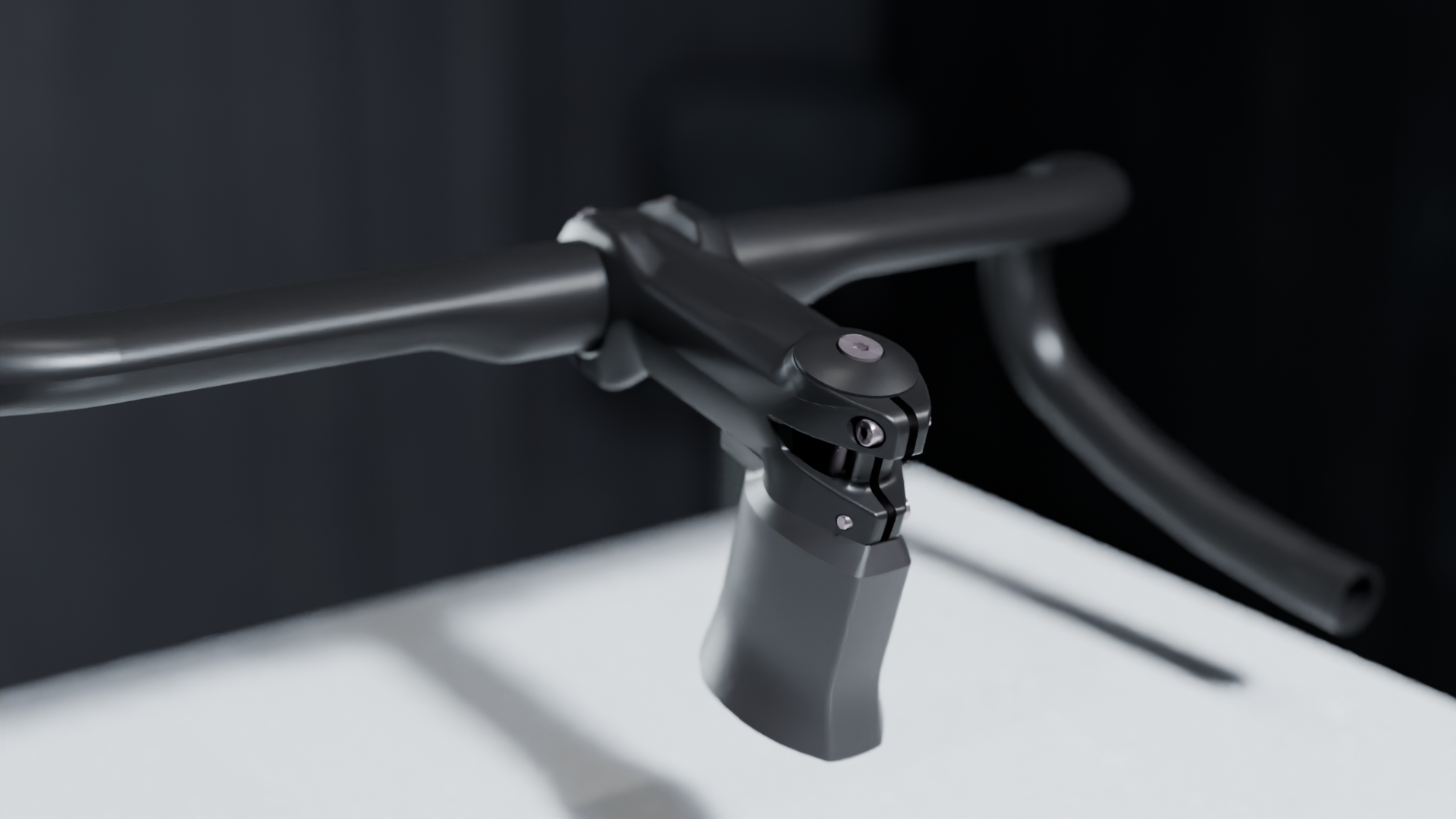
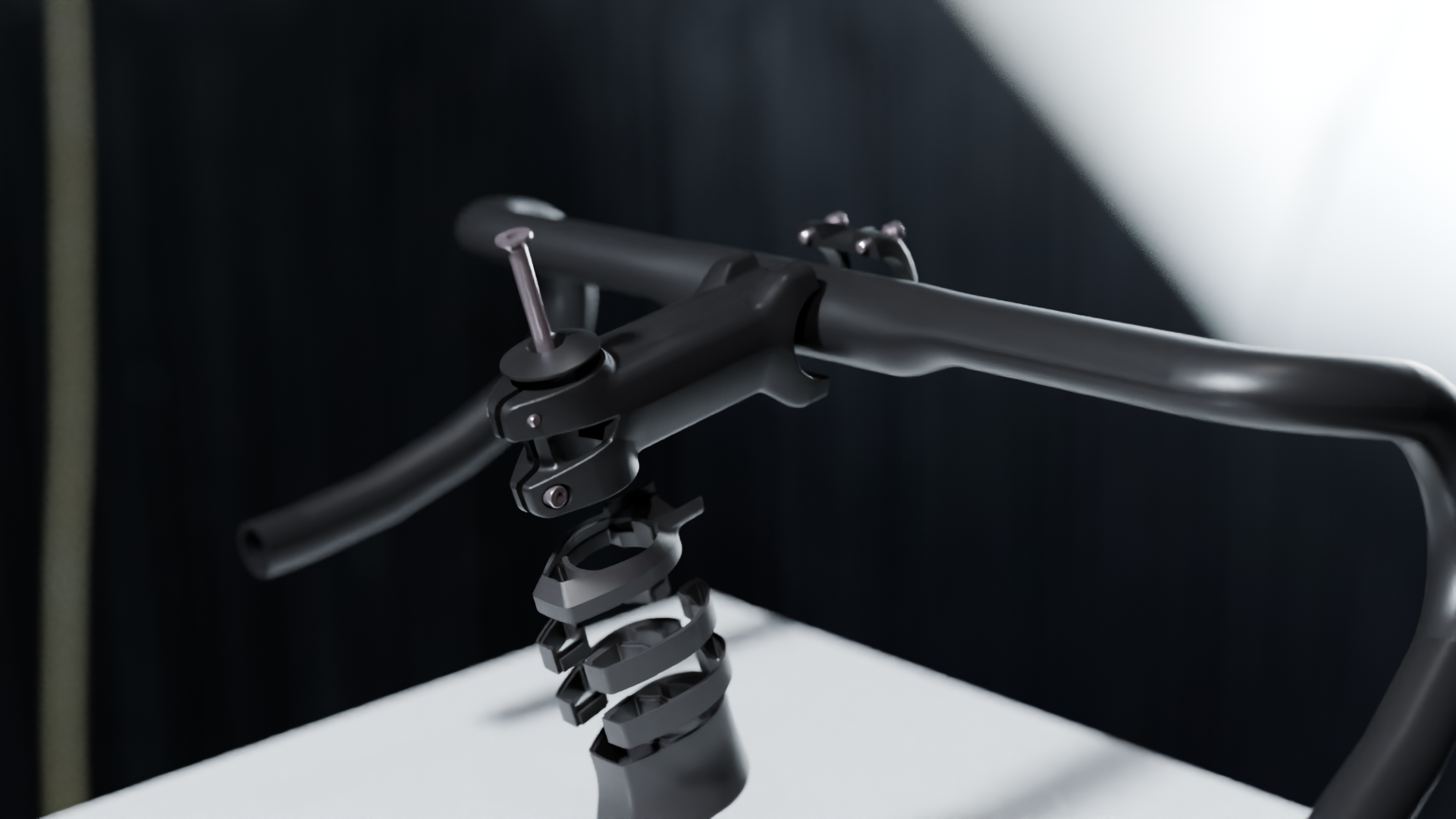
Clear 3D illustrations are a must. This help to show on a flat surface (screen or paper) what the Rider sees. Design 3D softwares are enabeling a lot of possibilities to generate a clean document showing details without the background of a photo or the lack of details or perspective of a sketch.

On the top of 3D rendering, make sure you are adding clear icons or symbols and info to instruct the operation details. Arrows, info box and color highlights are a must.
And talking about icons and colors, using a convention as universal as possible will facilitate the understanding for your Rider. Great conventions are already in use by SHIMANO and SRAM in their manuals. Do not copy but don’t go too far from what they have established.

Step 5: Test the Manual

Once the manual is written, it’s essential to test it. Testers are of many types.

  • Engineers: At the heart of each component design, the engineer will help verify if all parts are illustrated correctly and if all technical details are clearly defined and explained.
  • Quality Managers: With a strong focus on troubleshooting and extensive experience in customer service support, quality managers will definitely assist with legal and critical sections. In addition to content, they will often help integrate the document into the company’s document management system for future traceability.
  • Graphic Designers: A document is only valuable if it’s visually appealing and easy to read and understand. Graphic design and layout must be spot-on.
  • Product Managers: With a different perspective than engineers, quality managers, or graphic designers, the product manager will approach the document with a broader view.

Ideally, once experts have covered their areas, have someone unfamiliar with the product go through the manual and attempt to use or assemble the product based on your instructions. This will help identify areas that might be unclear or incomplete., the Product Manager will be looking at the document with a wider approach.

Step 6: Update and Maintain the Manual

Product updates, and new features may require periodic updates to your manual. Make sure to keep the manual current and relevant by incorporating any changes or improvements that arise after the product is released.

Track Versions: Clearly identifying the version of your document is crucial for effective communication with riders.

A manual may need updates based on user feedback, new bike accessories, or new maintenance tips that are introduced after the product launch.

Conclusion

Creating a user manual requires careful planning, clear writing, and a good understanding of both your product and your audience. By following the steps outlined above, you can create a comprehensive and user-friendly manual that will enhance the customer experience and reduce the need for customer support.

Whether you’re on a bicycle project or developing another type of product, following these steps will ensure your manual meets your customers’ needs and helps them get the most out of your product.

References

Looking back, I’m grateful for the opportunity to have contributed to these owner’s manuals that I’m proud to have worked on.

  • LOOK notice_look_fournales_english
  • GIANT 2010 TRINITY ADVANCED SL instruction manual
  • GIANT 2011 TCX ADVANCED SL instruction manual
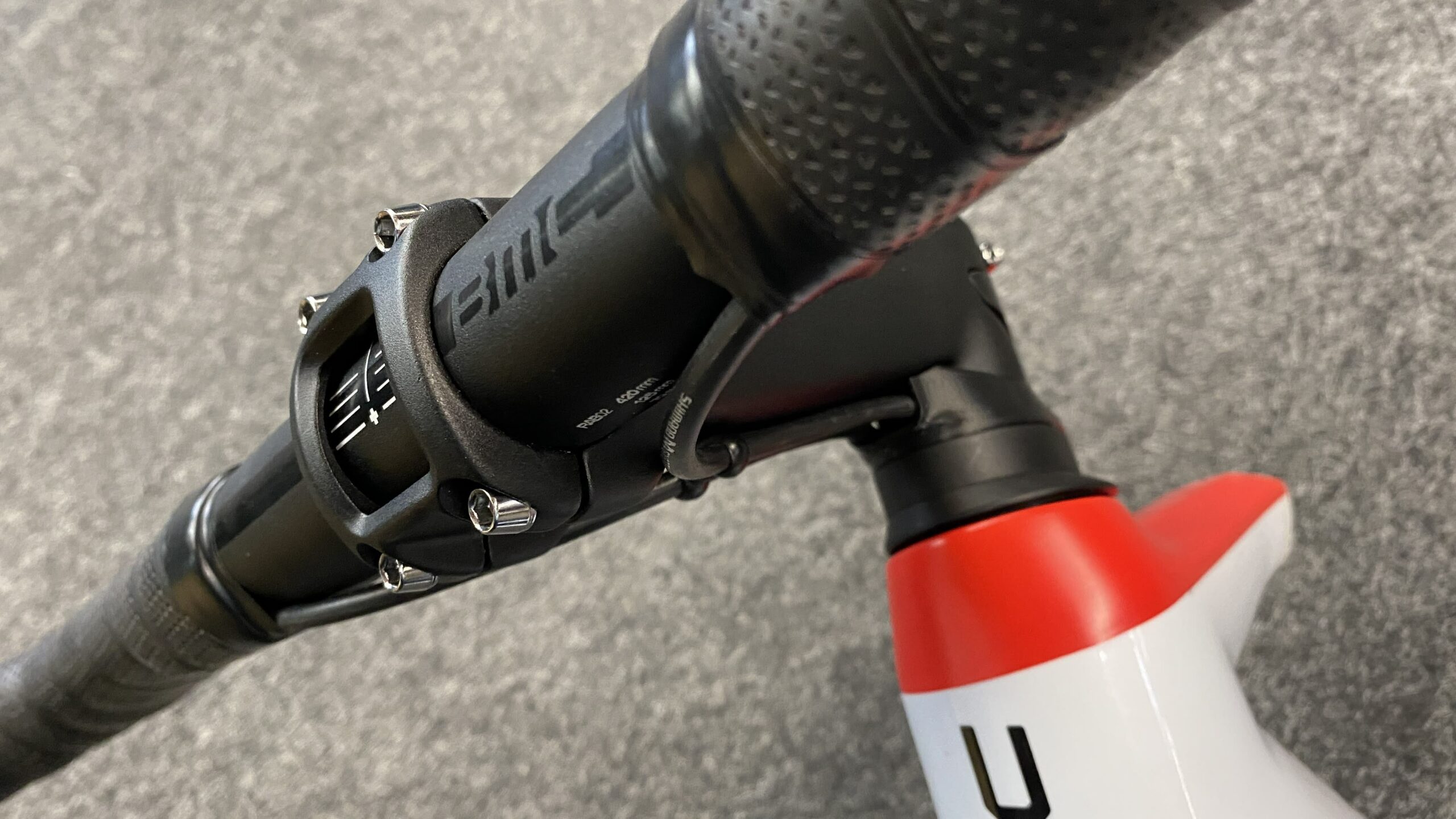
  • BMC ROADMACHINE Gen3 Owners Manual (2023)
  • BMC SPEEDMACHINE Gen1 Owners Manual and Sizing Guide (2023)
  • BMC TEAMMACHINE SLR Gen4.5 Owners Manual (2024)
  • BMC TEAMMACHINE SLR Gen5 Owners Manual (2025)
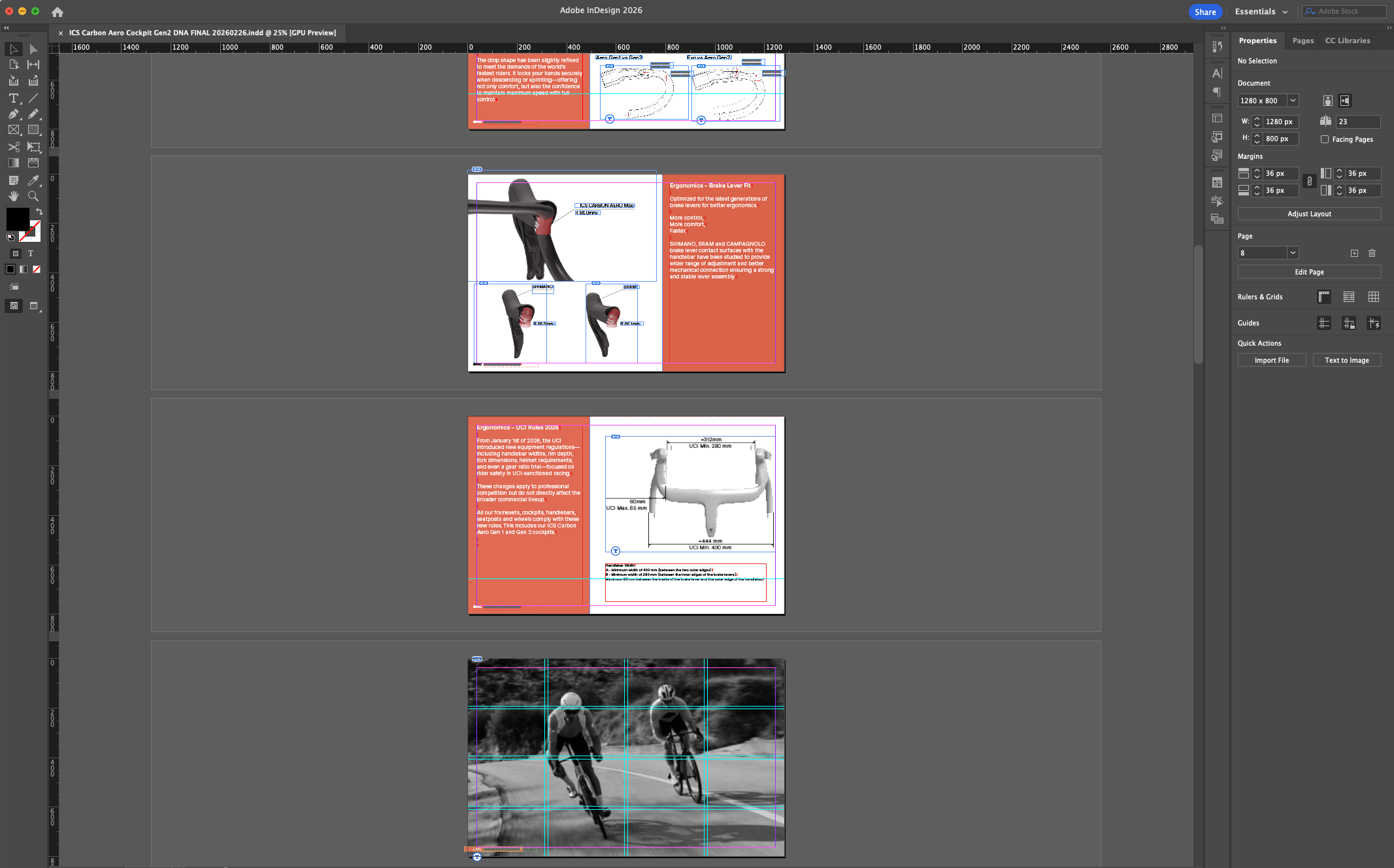
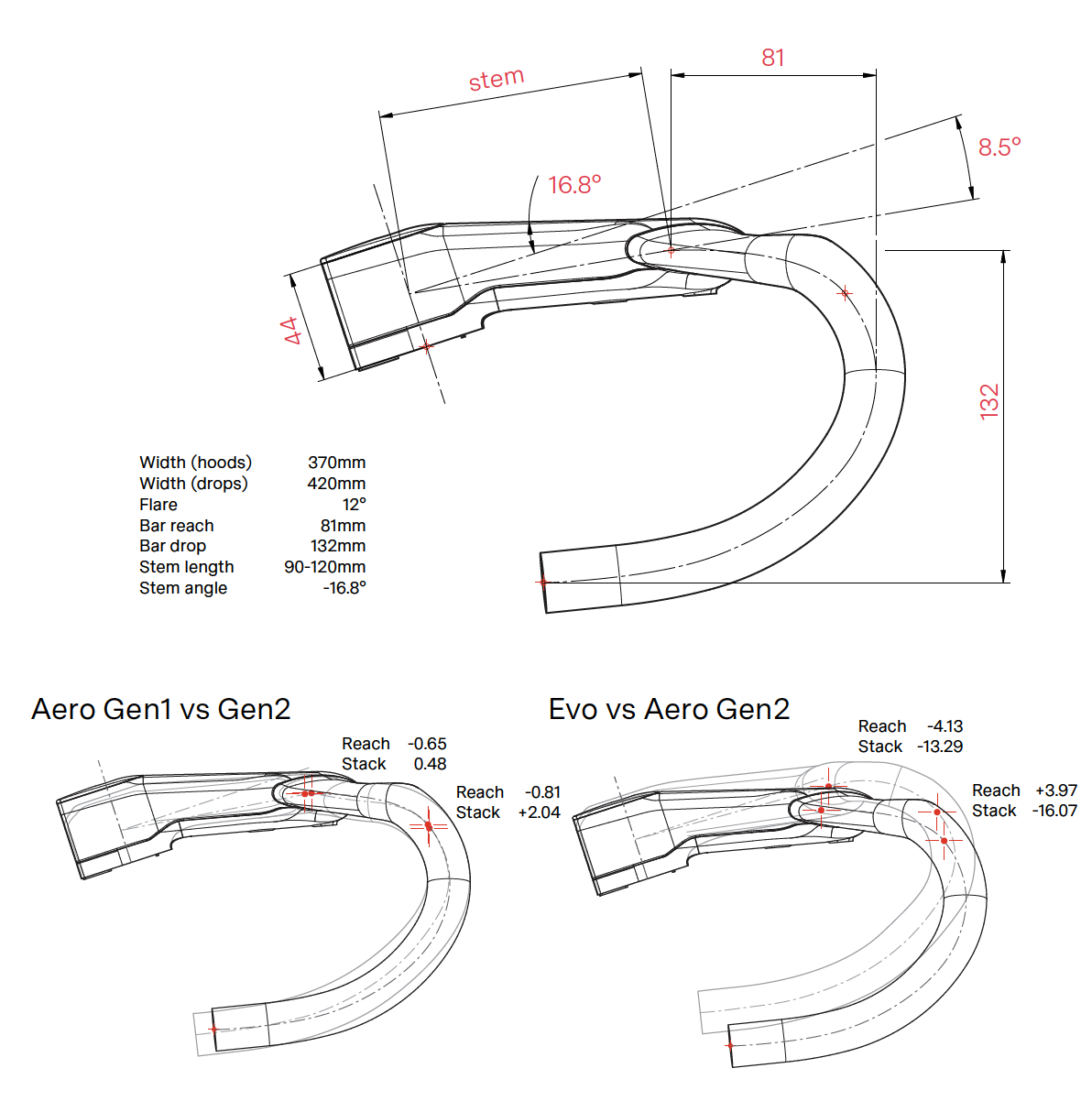
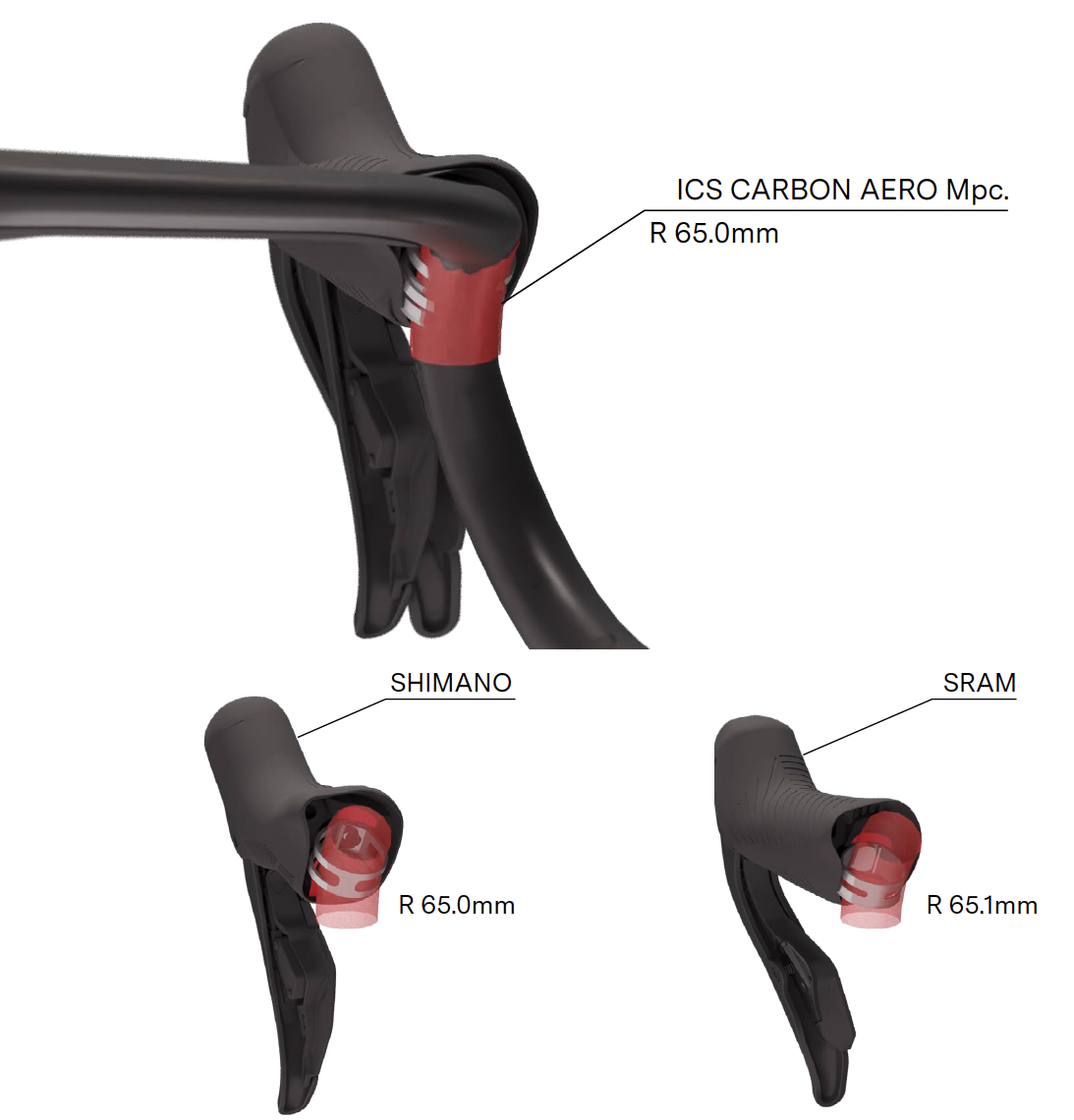
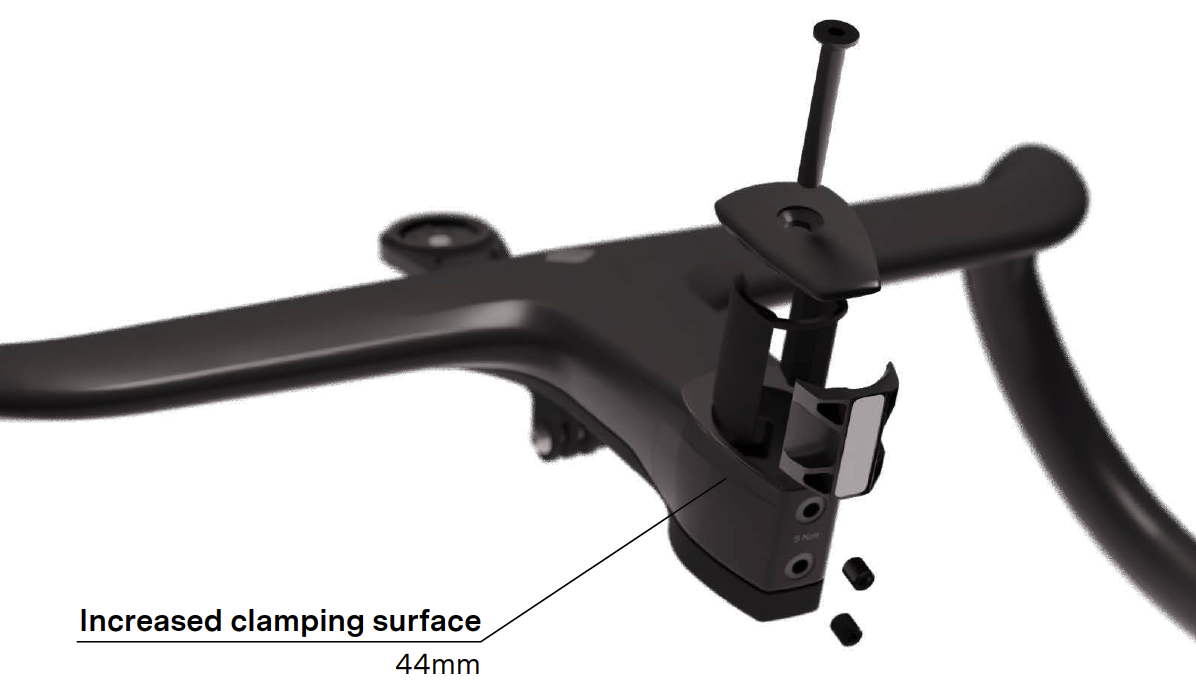
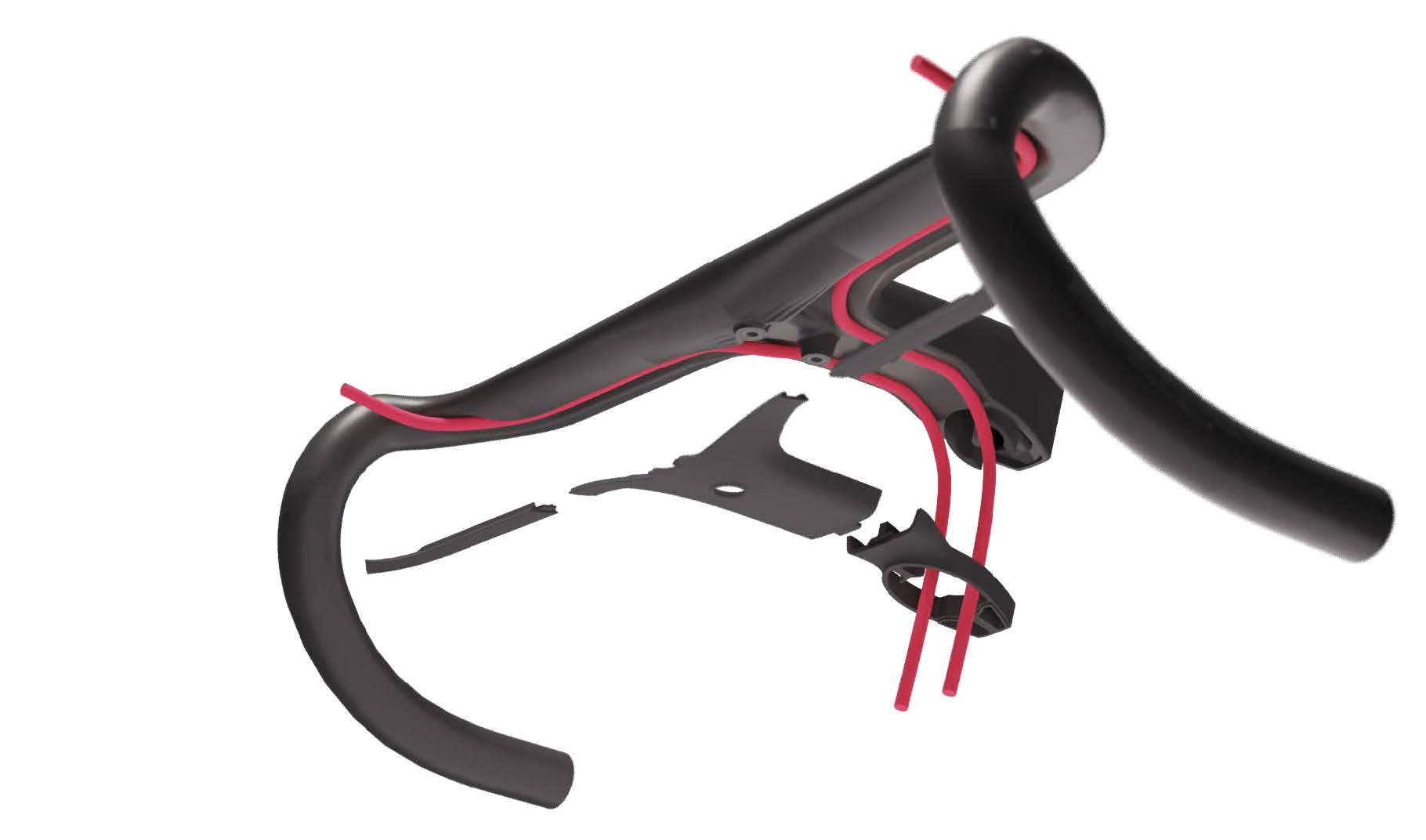
  • BMC ICS Carbon Aero Gen 2 Cockpit (2025)

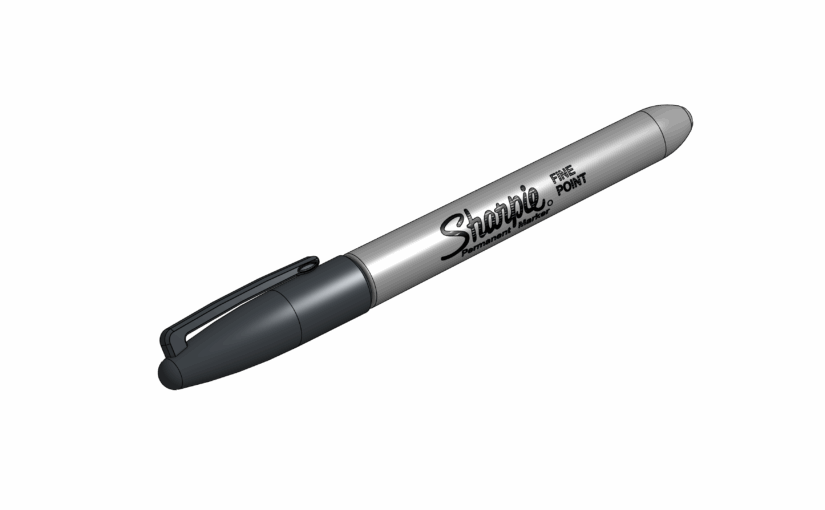
Sharpie Permanent Marker to 3D file

While planning the optimal tool layout for my mobile toolbox, I realized the essential Sharpie needed a proper spot. So I recreated the iconic permanent marker in Onshape—adding realistic materials and logos just for fun.

The process was quick, and the final result looks quite satisfying.

Do you need the 3D files? Just grab them here OnShape or here Grabcad.

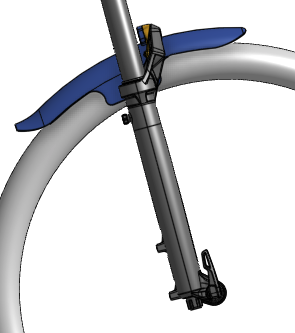
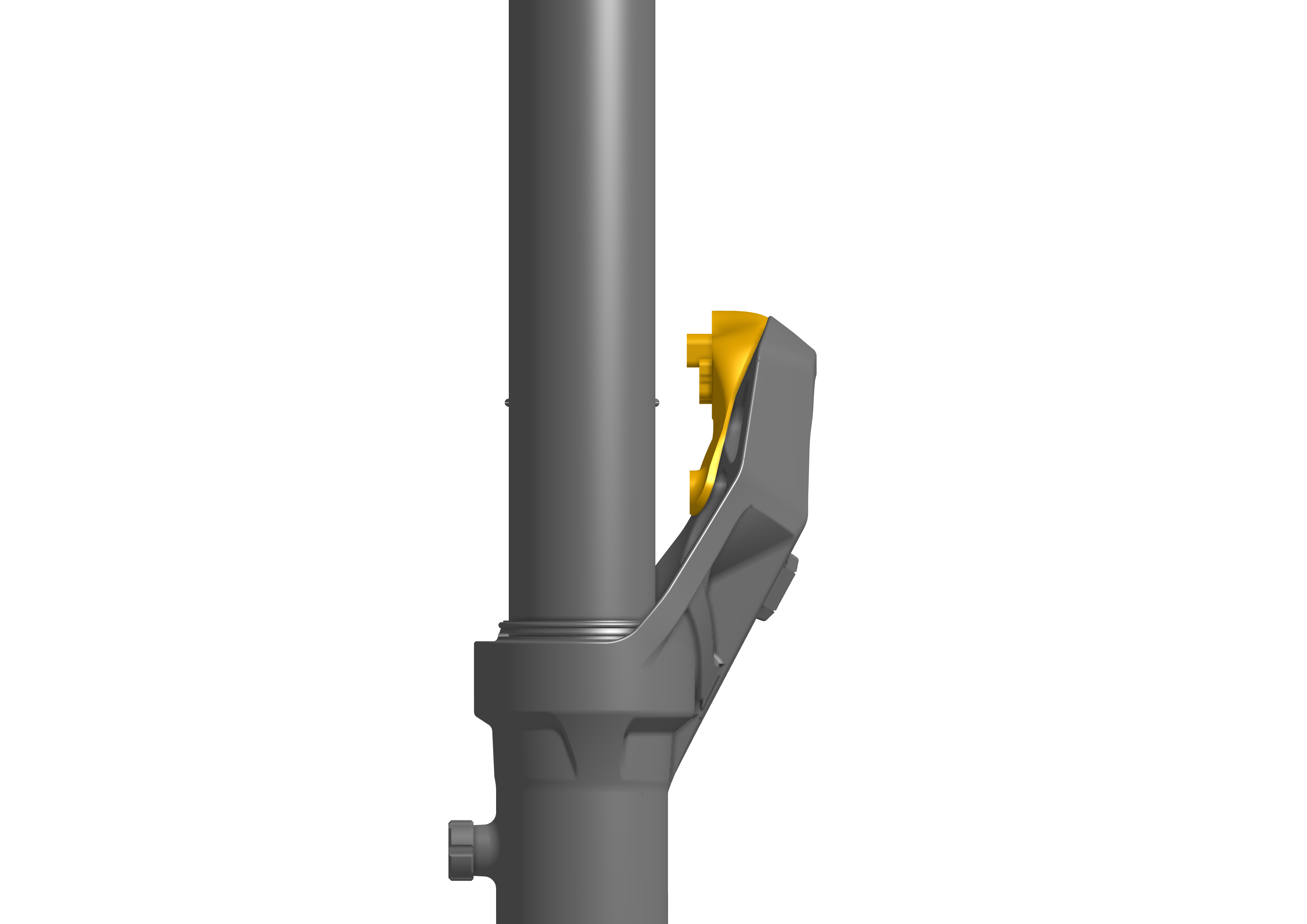
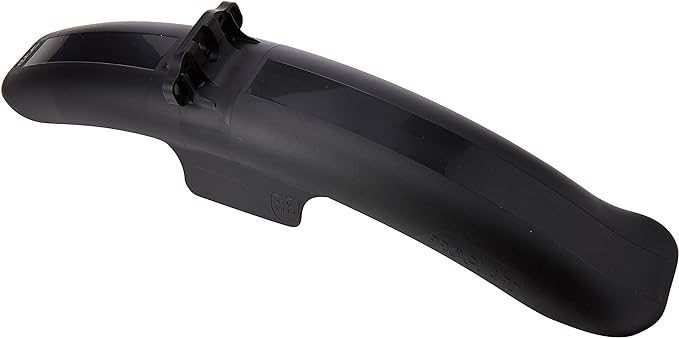
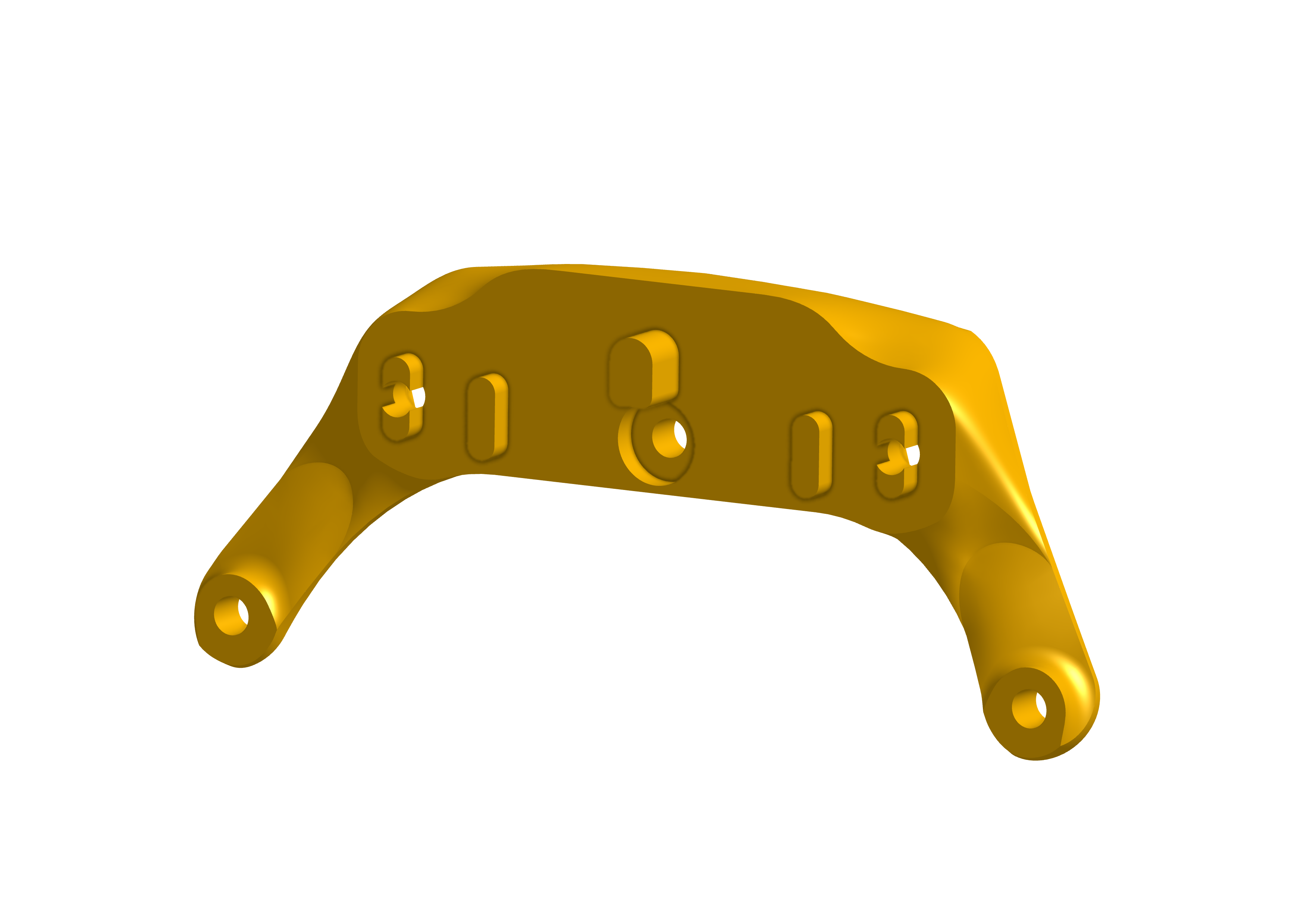
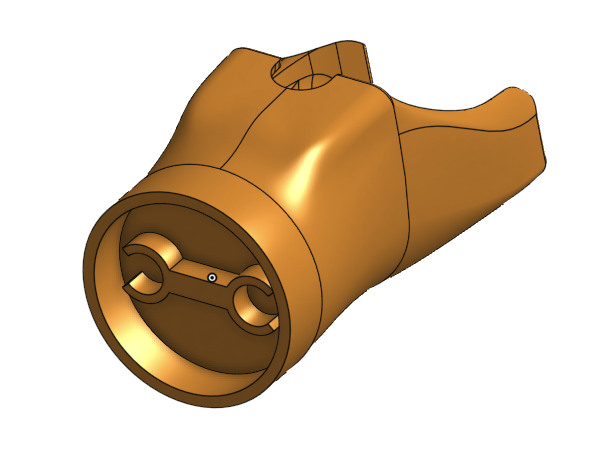
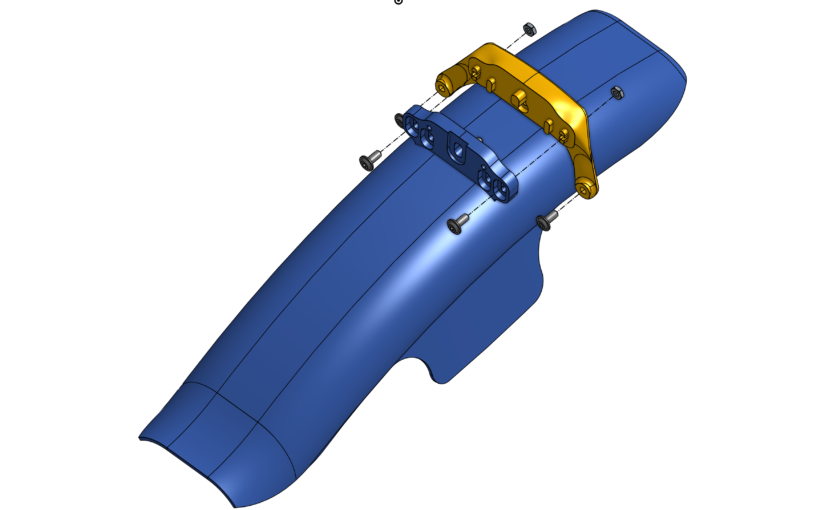
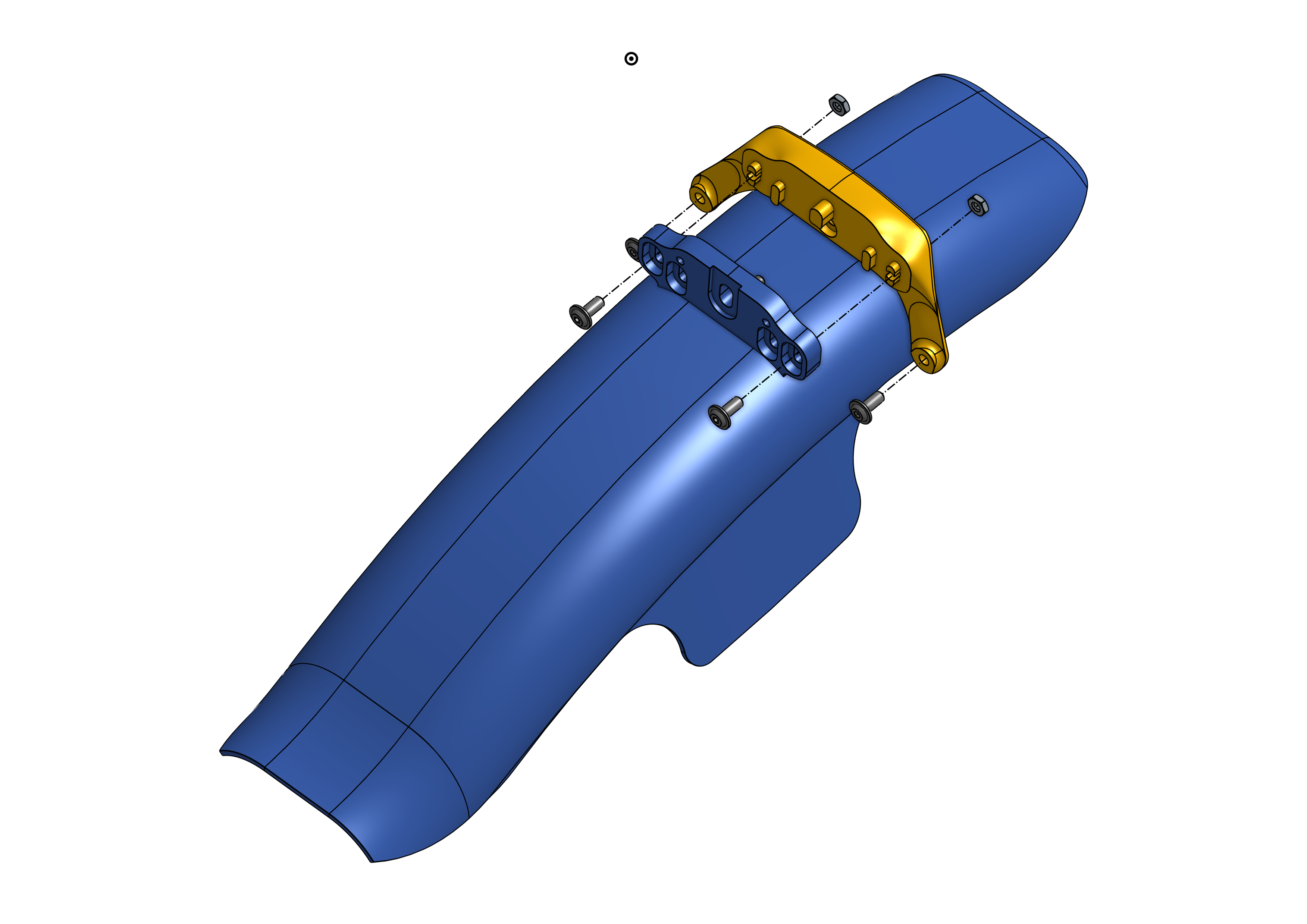
Adapter for RRP ProGuard Screw-On Mini Mudguard to fit Rockshox Pike and Lyric

Since the adapter isn’t included in the RRP Screw-On Mini kit, I set out to find one that would fit my RockShox Lyrik. Unfortunately, this adapter is rarely available and typically sells online for 10 euros—plus another 10 euros for shipping… and I’m cheap.

This custom design fits perfectly on the back of the fork crown and uses the RRP bolts provided with the original kit.

Only one extra M3 bolt and two M4 nuts are required.

Printed in PLA on my trusty Creality Ender 3.

Thingiverse 3D file link

Amazon link to the RRP Fender

Garmin Varia mount for BMC Teammachine SLR

Shine Bright!
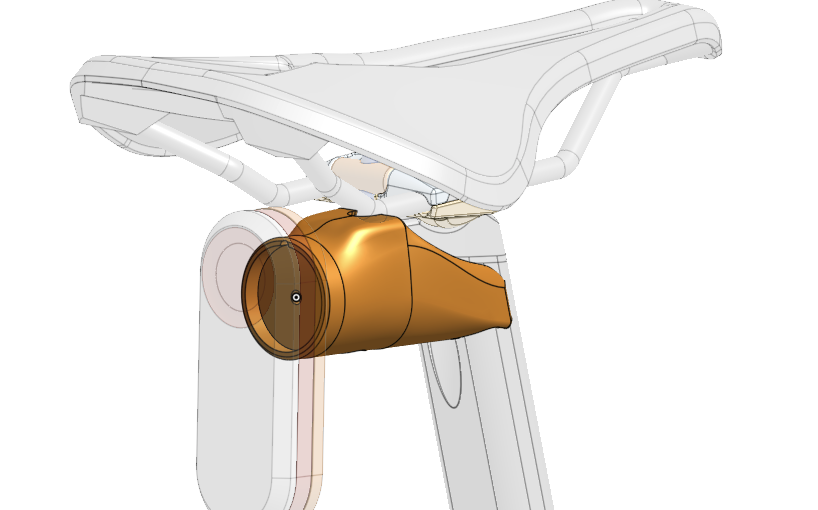
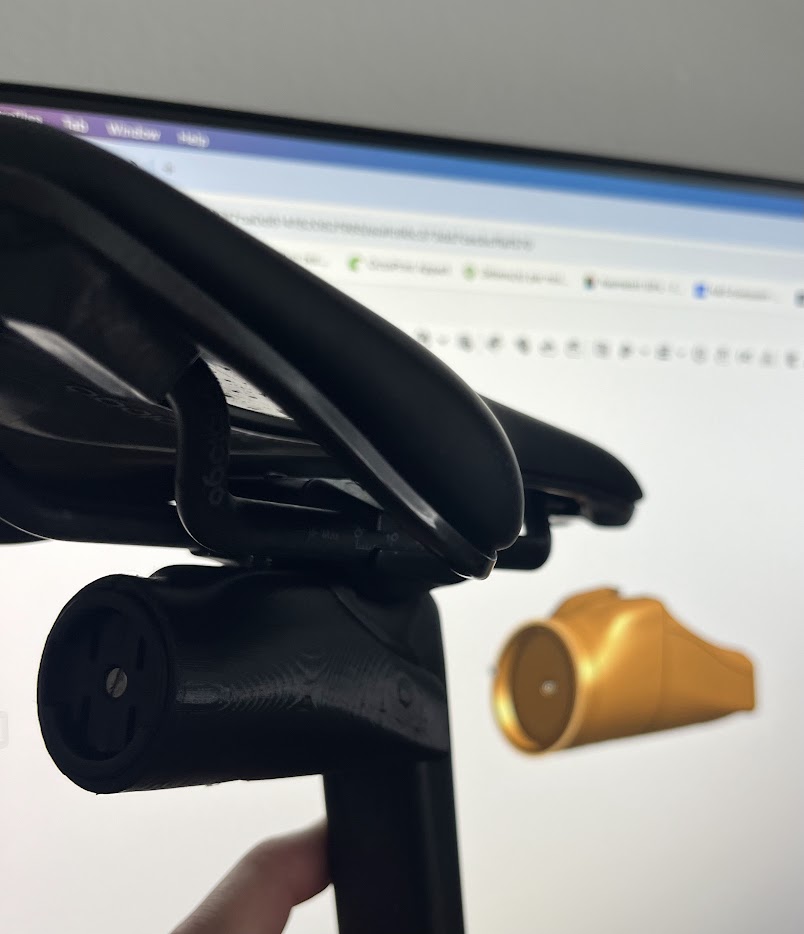
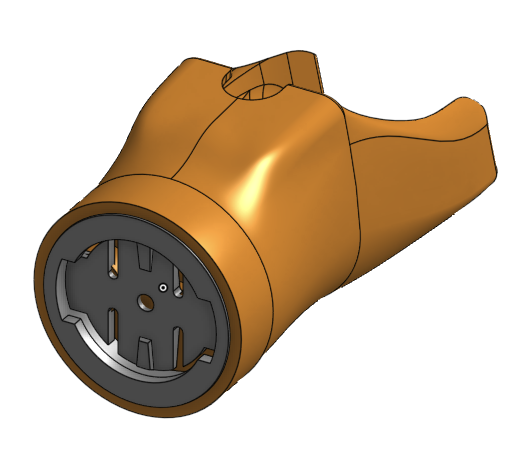
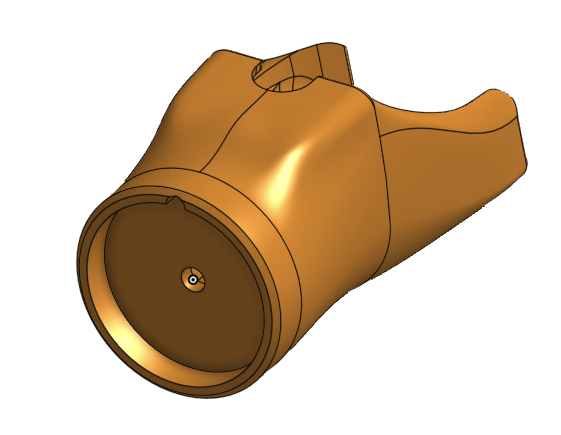
I bought a Varia almost a year ago, but I wasn’t a fan of the elastic straps used to secure the bulky mount to the seat post. So, I designed a custom 3D-printed holder that fits perfectly with the original Garmin interface — or the Mr. Control Garmin adapter I had lying around in my spare parts bin.
The design is tailored to fit the back of the 10mm offset BMC Teammachine SLR seatpost. The lower bolt tightens against the saddle clamp hardware, ensuring a secure and stable attachment.

I printed the part using PLA on my trusty Creality Ender 3. The hardware shown is temporary, as I plan to upgrade to sleek stainless steel bolts and nuts, replacing the standard ones pictured here.

The OnShape document is here: https://cad.onshape.com/documents/41f742d35fa21c714c959bbe/w/7f583f7ca0d614f82062f985/e/afc66c373dd7cecbcffaf570?configuration=List_it9oCS0RFO6aM6%3DGarmin_interface&renderMode=0&rightPanel=configPanel&uiState=6742f0c923fc5934d5c89fc4

Thingiverse:
https://www.thingiverse.com/thing:6844047

Scor 2030 mec!

I finally put it together! A full Slicy protection kit applied to the entire frame, a special 2030 Slicy kit to decorate the top tube and downtube, and a little setup that’s a pleasure to ride.

Frame: Scor 2030
Fork: Rock Shox Pike 140mm
Wheels: DT Swiss XRC 1501 Spline
Crankset: Praxis Lift
Bar, stem, dropper post: One Up

Tool holder for my Teammachine SLR bottle cage

Riding without a tool isn’t an option for me… and forgetting to bring one is definitely something I want to avoid. Riding with pockets full of gear isn’t very pleasant either. So, reusing a Specialized SWAT Road tool and designing a tool holder that attaches under the bottle cage specific to the BMC Teammachine SLR was a cool project to work on.

The tool holder clips securely at the back of the bottle, preventing it from moving or vibrating. A small fixing tab slides under the bottle cage and attaches to the lower bolt, sandwiching the whole setup in place. The tool is inserted into the holder from below, so you don’t need to remove the bottle to access it. The tool’s outer shape locks into the ramps of the holder, keeping it securely in place during the ride. The top face of the holder acts like a spring clip to hold the tool in position.

The attachment is solid, the tool stays in place, and the aesthetics are still as sharp as ever on the Teammachine SLR handlebars.

I have not shared this design as it’s quite specific to my own needs. Feel free to reach out if you need help.

Chainline tool: the ChainLineR

At work, I often need to quickly check the chainline of a crankset assembly. The ChainLineR is a simple gauge designed to make this process faster and easier, allowing you to measure your bike’s chainline and verify if it’s within the recommended specs for Shimano, SRAM, or Campagnolo.

While you can use a caliper to do this, it can be tricky to find a clear reference point to identify the center of the seat tube (e.g., the bottle cage bolt). The V-shaped design of the ChainLineR allows you to quickly center it on the seat tube or downtube, providing a rough but reliable reading of your chainline using millimeter markings.

An additional stopper allow you to place a ruller and get a more accurate read.

How to use:

  1. Position the ChainLineR on any symmetrical part of your bike—ideally the seat tube or downtube.
  2. Use the millimeter markings to read the chainline measurement.

Notes:

  • Some tubes may be asymmetrical.
  • The chainline for 2x setups is measured differently depending on the manufacturer. For example, Shimano measures from the inside of the larger chainring’s teeth.

Thingiverse:
https://www.thingiverse.com/thing:5519359

SBCU Live : et si le streaming devenait essentiel ?

Un virus, une pandémie et tout le monde à la maison. Comme nous le savons tous, la seul chose qui ne change pas dans la vie, c’est que le changement est constant.

L’idée en ce mois de mars 2020 était de s’adapter au changement et de continuer notre travail d’éducation autour de Specialized et de nos produits.
Mais pas forcément comme tous à renforcer les communications « publicitaires », de dramatiser ou de faire comme si il n’y avait pas de situation sanitaire préoccupante. Donc opter pour une série de communications peu créative comme « comment nettoyer son vélo » ou donner des conseils de « home trainer » n’était pas la solution.

Sérieusement, le confinement c’est déjà assez dur. Donc me dire que je dois nettoyer mon vélo déjà propre ou comment faire des séances Zwift alors que je sature : passe ton chemin !

Et si on parlait entre gens coincés chez soi. Si on passait du temps, naturellement à échanger, à ouvrir la discussion, à donner la parole à tous ?
Si on tenait un discours aussi humble que possible, honnête et naturel.
C’est ce que peut apporter l’exercice du direct à un monde qui se réfugie sur les écrans et les réseaux sociaux !

On partage et on fait partager : le format SBCU Live.

Jimmy, Antoine et moi même avons programmé une série d’interventions qui visaient à partager des sujets qui nous semblaient peu connus, mal expliqués ou encore cool. Cool ? Pourquoi pas même inviter d’autres amoureux du cyclisme ?

Comment streamer avec qualité ?

Après quelques jours cloitré à la maison, j’ai entamé des recherches pour trouver un moyen technique de diffuser des interventions à nos revendeurs. Nous avons trouvé Vmix. Avec ce logiciel, véritable régie vidéo pour émissions et diffusion de programmes, le passage au Live fut évident.

Après quelques essais, la connexion de Jimmy et Antoine à distance avec VmixCall, nous avons lancé la diffusion de plusieurs interventions jusqu’à 3 fois par semaine.
Le premier canal de diffusion utilisé fut Zoom. Diffusion en interne aux équipes Specialized. Mais notre travail méritait d’être partagé plus largement et notamment aux revendeurs de la marque.

Ainsi, nous avons rapidement ajouté Facebook Live et Youtube Live à notre Zoom interne.
Nous touchons les revendeurs et leurs employés. Certes. Mais toucher le cycliste, le rider directement est encore plus excitant et efficace pour nous et la marque.

A l’heure de ce texte, 13 diffusions eurent lieu. Chacune différente et tout aussi enrichissante.
D’autres sont programmées et nous continuons ces diffusions alors qu’une reprise d’activité se profil après un confinement drastique.

Et après …

L’adaptation au changement n’est qu’une étape. Ce mode de travail, de communication et d’échange devra encore évoluer. Nous allons explorer d’autres méthodes, exposer d’autres sujets et sans cesse nous remettre en question.

Mais les prochains lancements produits, les prochains évènements seront très certainement toujours supportés par une diffusion aussi interactive que possible de nos messages, en ligne et en direct.

Ci-dessous la liste des vidéos des SBCU Live tournées depuis le 30 mars 2020.


Présentation élection du Vélo de Route de l’Année – Le Cycle

Il y a quelques semaines, je fus désigné par l’équipe pour aller présenter le nouveau Tarmac au Jury de l’élection du Vélo de Route de l’Année organisée par le magazine Le Cycle.

Le résultat : Le nouveau Tarmac élu vélo de l’année devant le Trek Emonda et le Canyon Ultimate CF SLX.

Même si elle n’a que peu d’influence sur le résultat final, je suis très fier de ma présentation !

HPTarmacPRoVeloDelannee2015_v2